📈 Reports tab
Reports shows you the movie, not the snapshot: where you overspend, how your net worth changes and which categories eat up your money.
What is this screen for?
To understand your patterns. No money changes here: it's a read-only view that turns your transactions into easy-to-read charts, so you can adjust your envelopes next month based on data instead of guesswork.
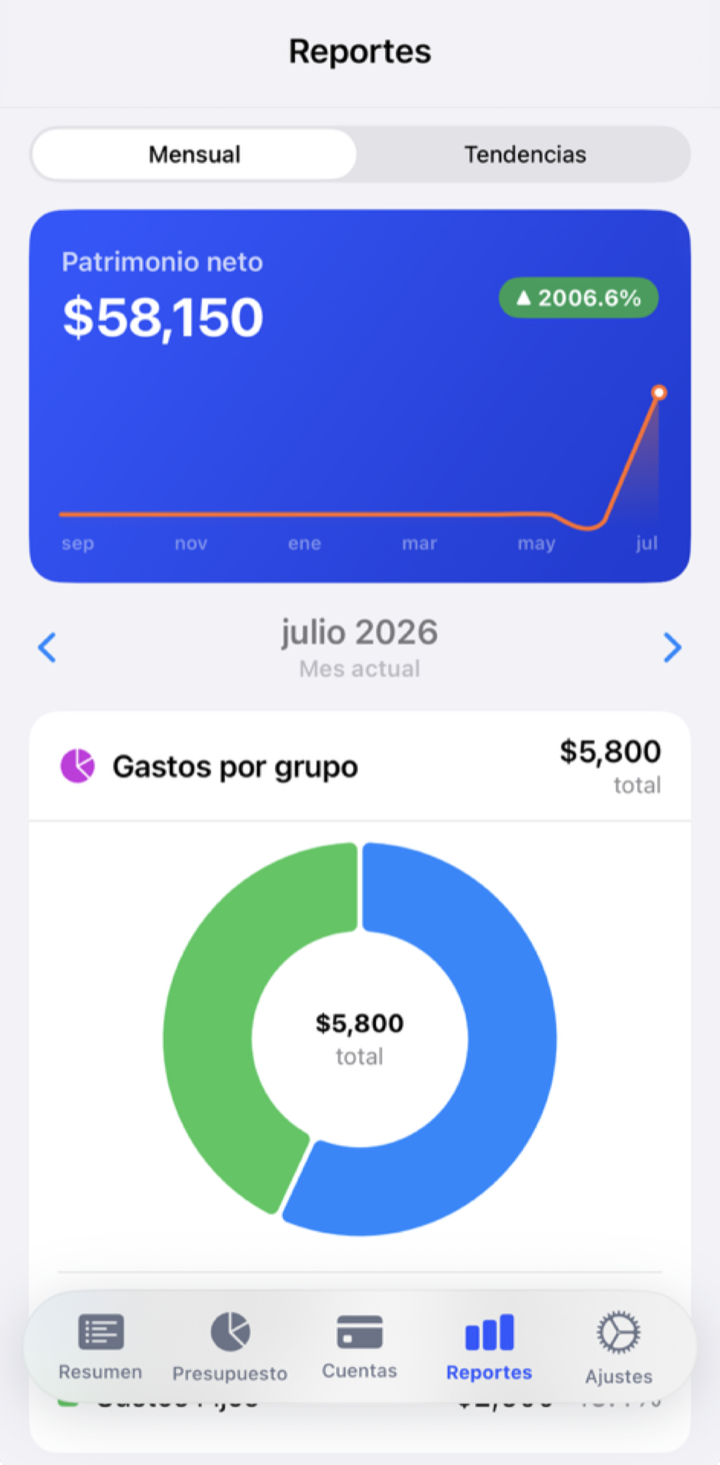
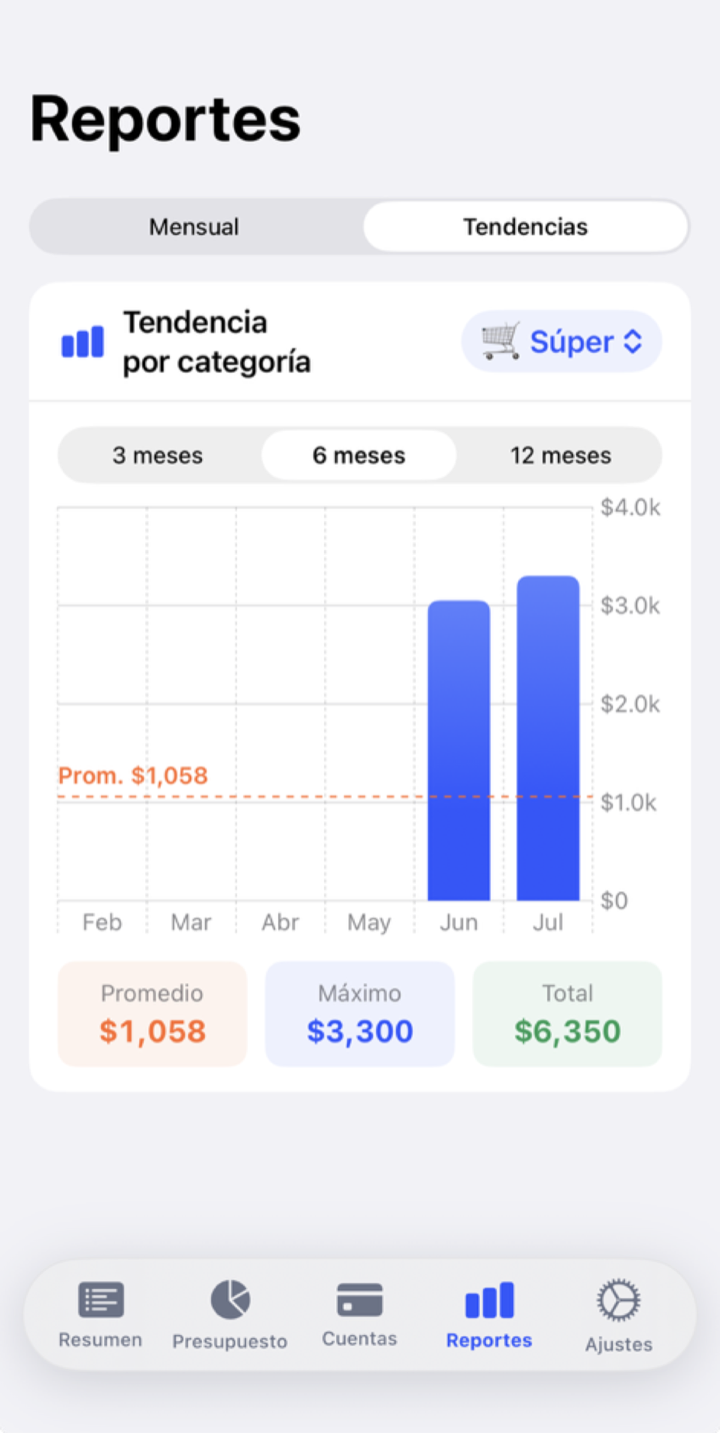
What you see here
- Spending trend — how your spending goes up or down over the months.
- Net worth — what you have minus what you owe, over time.
- Spending by category — donut and bar charts that show where your money goes.
- Pareto view — finds the 20% of categories that take 80% of your spending.
A few categories almost always explain most of your spending. The Pareto view puts them up front so you know where a small adjustment makes the biggest difference.
What happens to your money
Nothing: Reports doesn't move a cent. It only reads the transactions you recorded in Accounts and groups them by category and by month. If a number surprises you, it's almost always a miscategorized transaction.
Tips and common mistakes
Spend five minutes at the end of the month looking at your reports before assigning the new month. It's the habit that improves a budget the most.
If a category looks huge for no reason, check that a large expense wasn't entered in the wrong envelope.
What if…?
What if my net worth comes out negative?
It means that today you owe more than you have (for example, a lot of card debt). It's not an app error: it's a signal to focus your budget on paying down that debt. The trend matters more than the number on any single day.
What if a chart is empty?
It needs history. With only a few days of use there's little to chart; it fills up as you record transactions month after month.